Change character/picture position
Author: NingNing
Last update:2022-05-23
This tutorial is about custom image placement
Like having characters stand on the left side, right side, etc.
So let's get started!
Advance preparation
Before we start, let's put the images we need to use in our images folder
1...
2...
3...
OK~ I believe you have put the pictures in the images folder by now
Now let's define the picture
image park = "images/bg/park.jpg"
image heart = "images/heart.png"
Positioning the picture
The most basic is to position the picture in the left, middle, right side
like this:
show heart at left
If you don't write show cha with left or right, then the default position is the middle.
Other available locations:
- topleft (/reset)
- top
- topright
- offscreenleft
- truecenter
- offscreenright
Example:
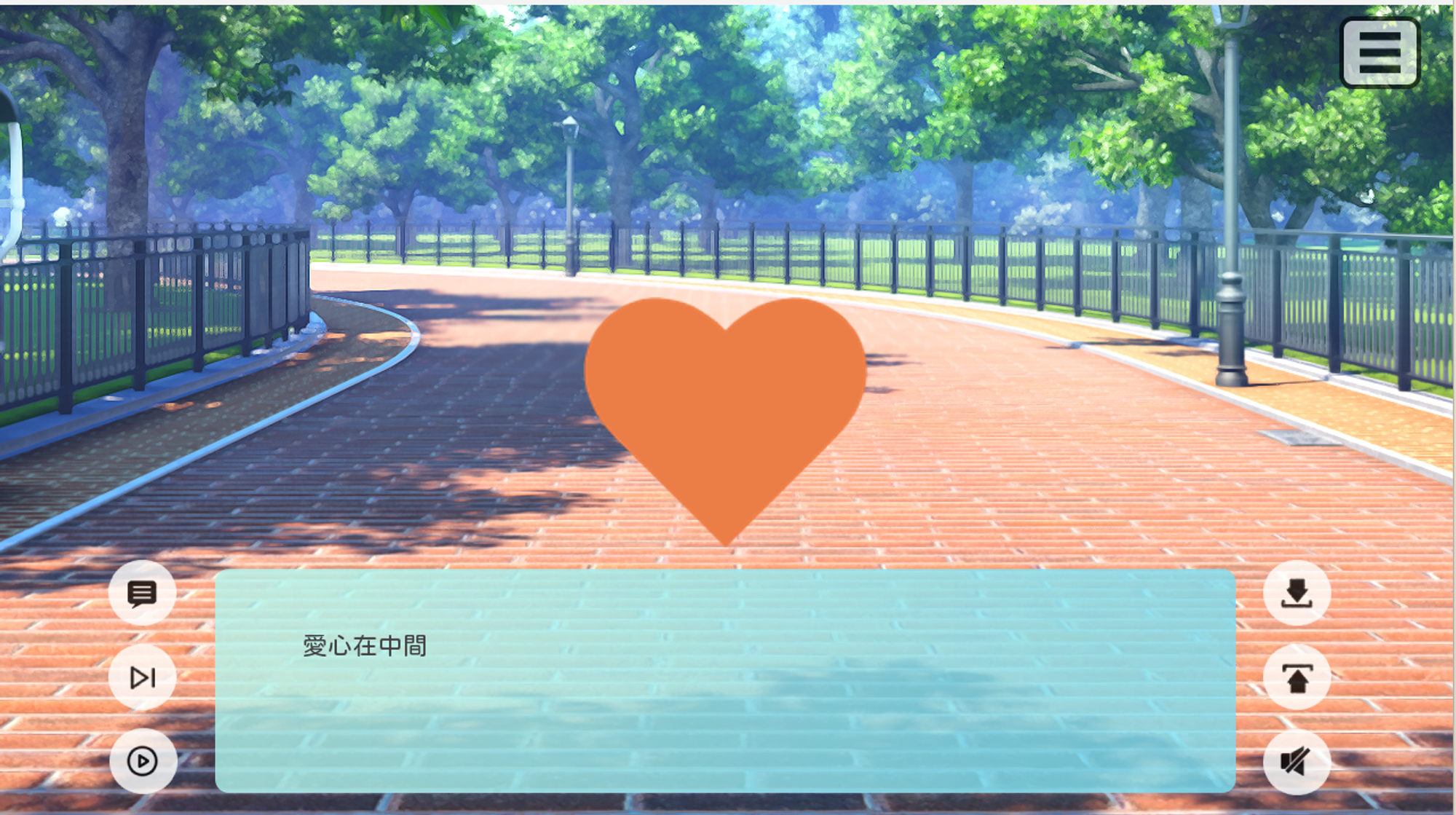
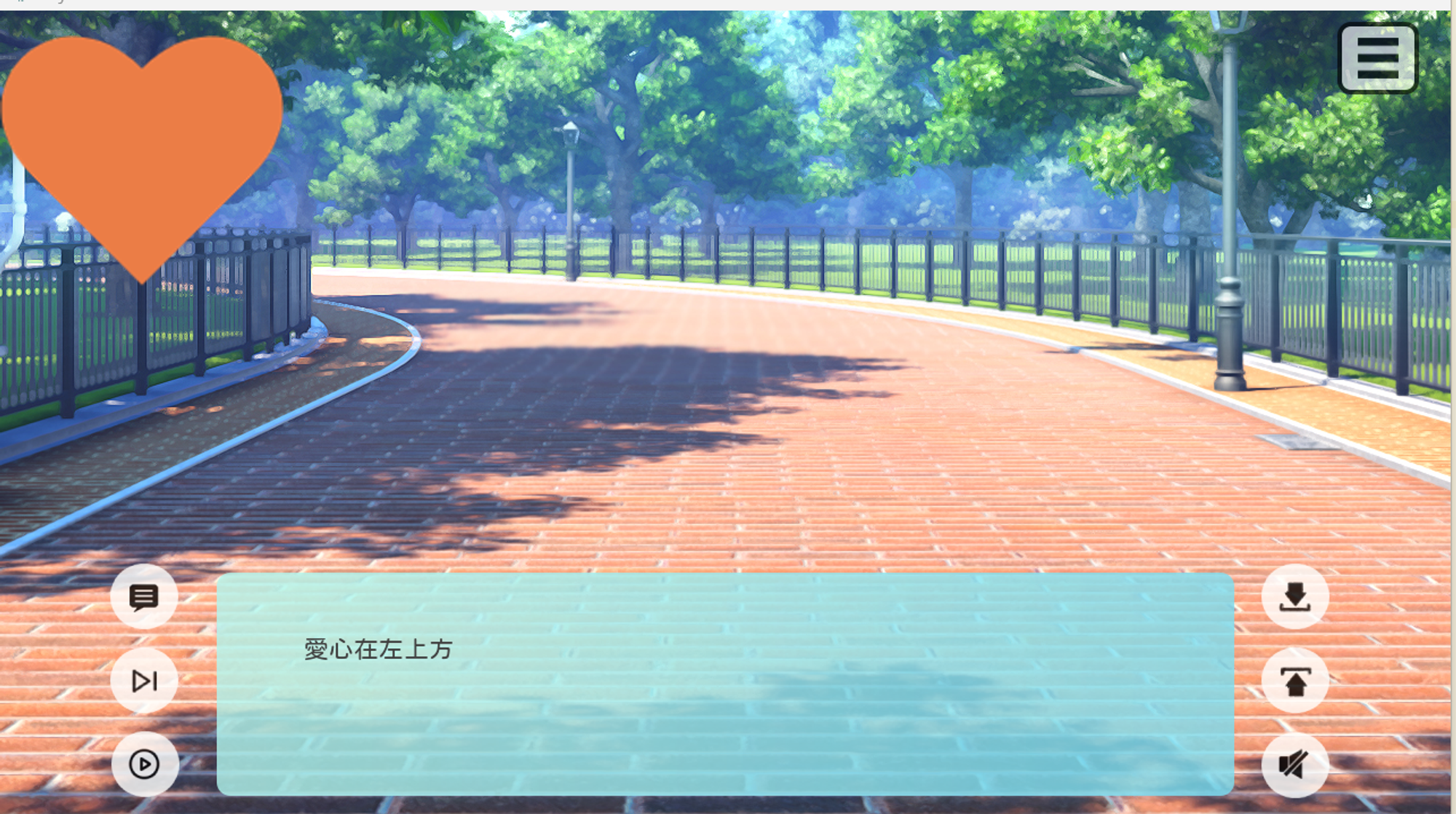
Locate other positions
You can type xpos and ypos if you want the image to appear in other location or custom positions
- xpos = horizontal position (left to right)
- ypos = vertical position (up to down)
You can define like this 100, 200, 300
It is also possible to define like this 0.1, 0.5, 1.0
This post is over now~
You can give me / my website a clap if this help you!
My website --> https://spaceofningningen.blogspot.com/
 Thank you for your support~